Tutorial
Tutorial
Barely Use Your Meta Quest? Try This Before You Sell
Barely Use Your Meta Quest? Try This Before You Sell
|
6
min read
Hold on before you list it. The most common reason people stop using their Quest is not the hardware — it's that 90% of content on the platform is games, and the video experience out of the box is just a 2D screen in virtual space. If that's why you've shelved it, there's one thing almost nobody tries before selling: turning the Quest into a real-time 3D cinema for everything you already watch.
Why Most People Stop Using Their Quest
The pattern looks like this: first two weeks, heavy use. Then novelty fades, gaming doesn't stick, and the headset ends up on a shelf. The Quest becomes a sunk cost.
The root problem is not the Quest. It's that the device ships without a compelling everyday use case for non-gamers. The default video experience — 2D content on a virtual screen — is impressive once and unremarkable after that. Real depth, real 3D, frame-by-frame converted video: that's what sustains the habit. It's just not the default.
What Changes When You Add 3D
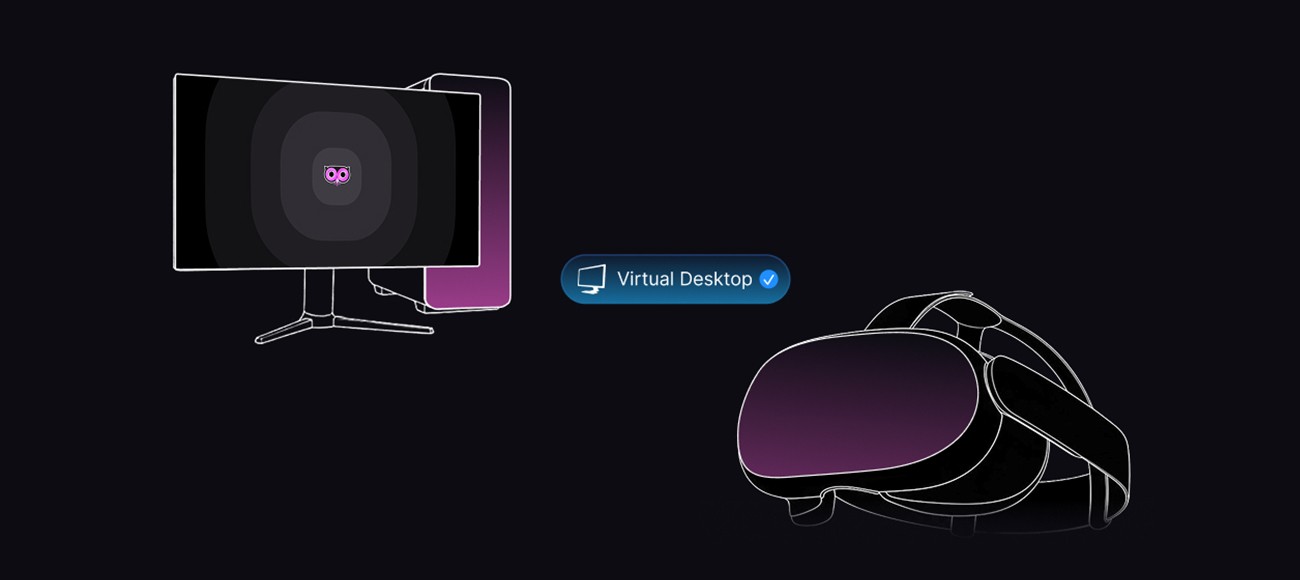
Owl3D is a PC application that converts any video playing on your screen to stereoscopic 3D in real time. Netflix, YouTube, local files, streaming content with DRM — all of it. The converted output streams directly to your Quest via the Owl3D Link companion app.
The result is not a bigger screen. It's actual depth in the image — the kind that makes you forget you're watching a flat recording. For movies, travel footage, and sports, the difference is immediate.
Viewing mode | What you see | Immersion level |
|---|---|---|
Quest default (2D) | Virtual cinema screen | Moderate — screen-size effect only |
Quest + Owl3D Live 3D | Real-time stereoscopic depth | High — depth in every frame |
Quest + Owl3D Converter | Pre-converted 3D file | Highest — frame-by-frame AI depth |
Before You Decide: One Test Worth Running
Install Owl3D on your PC. Install Owl3D Link on your Quest. Open a film or show you know well — something with depth in the cinematography. Watch 10 minutes.
If the 3D conversion makes you want to keep watching, you have your answer. If you feel no different than before, then selling is a reasonable call. The test takes under 15 minutes, and the free plan covers it.
Is Meta Quest Worth Keeping for Non-Gamers?
Yes — if you consume video content on a PC. The Quest becomes a dedicated 3D cinema monitor that requires no TV, no glasses, and no additional hardware purchases. The software that enables this costs less than a streaming subscription.
The people who sold their Quest and regretted it are almost always the ones who never ran this test. The people who kept it and use it daily are almost always watching movies and personal videos in 3D.
Should You Sell Your Quest?
Sell it if: you tested 3D video and felt nothing, or if you genuinely never watch content at a PC.
Keep it if: you watch movies, streaming, or personal video at all, and you haven't tried Owl3D yet. One week of daily use in 3D typically resolves the question.
Hold on before you list it. The most common reason people stop using their Quest is not the hardware — it's that 90% of content on the platform is games, and the video experience out of the box is just a 2D screen in virtual space. If that's why you've shelved it, there's one thing almost nobody tries before selling: turning the Quest into a real-time 3D cinema for everything you already watch.
Why Most People Stop Using Their Quest
The pattern looks like this: first two weeks, heavy use. Then novelty fades, gaming doesn't stick, and the headset ends up on a shelf. The Quest becomes a sunk cost.
The root problem is not the Quest. It's that the device ships without a compelling everyday use case for non-gamers. The default video experience — 2D content on a virtual screen — is impressive once and unremarkable after that. Real depth, real 3D, frame-by-frame converted video: that's what sustains the habit. It's just not the default.
What Changes When You Add 3D
Owl3D is a PC application that converts any video playing on your screen to stereoscopic 3D in real time. Netflix, YouTube, local files, streaming content with DRM — all of it. The converted output streams directly to your Quest via the Owl3D Link companion app.
The result is not a bigger screen. It's actual depth in the image — the kind that makes you forget you're watching a flat recording. For movies, travel footage, and sports, the difference is immediate.
Viewing mode | What you see | Immersion level |
|---|---|---|
Quest default (2D) | Virtual cinema screen | Moderate — screen-size effect only |
Quest + Owl3D Live 3D | Real-time stereoscopic depth | High — depth in every frame |
Quest + Owl3D Converter | Pre-converted 3D file | Highest — frame-by-frame AI depth |
Before You Decide: One Test Worth Running
Install Owl3D on your PC. Install Owl3D Link on your Quest. Open a film or show you know well — something with depth in the cinematography. Watch 10 minutes.
If the 3D conversion makes you want to keep watching, you have your answer. If you feel no different than before, then selling is a reasonable call. The test takes under 15 minutes, and the free plan covers it.
Is Meta Quest Worth Keeping for Non-Gamers?
Yes — if you consume video content on a PC. The Quest becomes a dedicated 3D cinema monitor that requires no TV, no glasses, and no additional hardware purchases. The software that enables this costs less than a streaming subscription.
The people who sold their Quest and regretted it are almost always the ones who never ran this test. The people who kept it and use it daily are almost always watching movies and personal videos in 3D.
Should You Sell Your Quest?
Sell it if: you tested 3D video and felt nothing, or if you genuinely never watch content at a PC.
Keep it if: you watch movies, streaming, or personal video at all, and you haven't tried Owl3D yet. One week of daily use in 3D typically resolves the question.