Turn Flat Video into 3D: How AI Restores the Depth Your Eyes Are Missing
|
8
min read
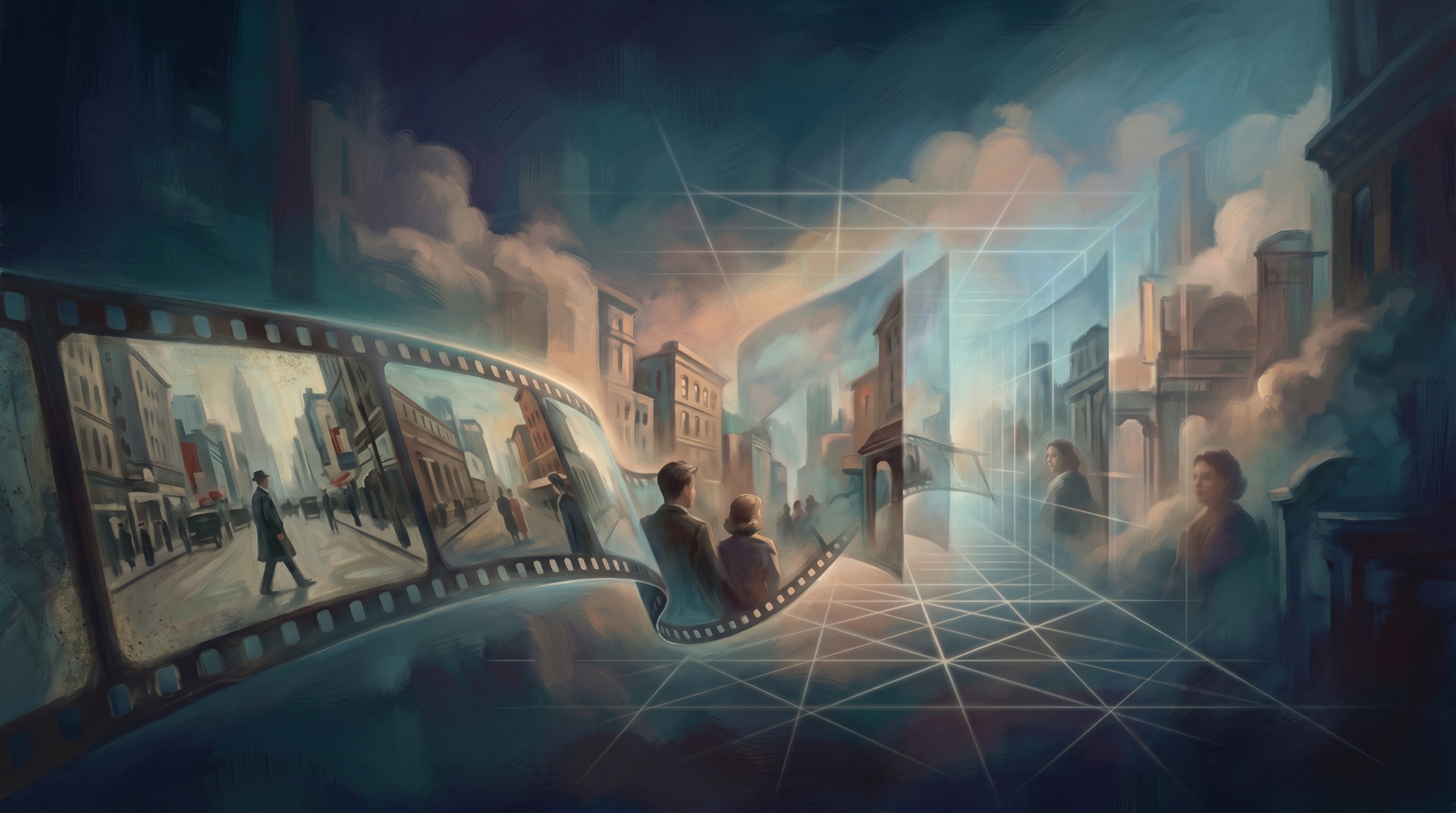
You put on your headset and play your favorite movie. It looks flat. Like watching through a glass screen suspended in empty space, not being inside the scene. You’ve seen spatial video — you know what real depth feels like. So why does your own library feel lifeless?
Your video isn’t broken. It’s just missing one dimension. And that dimension is now something AI can reconstruct in minutes.
Here’s why videos look flat, what “turning flat video into 3D” actually means, and how to do it yourself.
Why Does Video Look Flat? (And Why Your Brain Notices)
The Two-Viewpoint System Your Brain Relies On
Human depth perception is built on a physical fact: your two eyes are about 6–7 cm apart. Because each eye sits in a slightly different position, they capture marginally different images of the same scene. Your brain compares these two images and computes depth from the positional difference between them — a mechanism called binocular disparity.
This process, called stereopsis, is your dominant depth sense for everything within approximately 5 meters of you. It’s why you can catch a ball, thread a needle, or judge whether a coffee cup is close enough to grab — all without consciously thinking about it. Research published in Sensors (MDPI, 2025) confirms binocular disparity is the primary depth cue at close range, with the effect measurable at distances up to 248 meters.
What a Single-Camera Video Is Missing
A standard video camera captures only one viewpoint. When you watch that video, your brain receives a single image with no disparity signal to process. Without the two-view comparison it’s wired to expect, your visual cortex can’t compute stereoscopic depth — and the image collapses into a flat plane.
Monocular depth cues still exist in the footage: perspective lines, shading, relative size, motion parallax. They give you a rough sense of spatial layout. But they don’t produce the same physical sensation of depth as binocular stereopsis.
This is especially jarring inside a VR headset. You’re using a spatial display specifically engineered to deliver two slightly different views to each eye — but receiving only one. Your visual cortex notices the mismatch immediately. That “flat movie in a headset” feeling isn’t imagination. It’s your brain detecting a missing dimension.
What Does “Turning Flat Video into 3D” Actually Mean?
Turning a flat video into 3D is the process of using AI depth estimation to reconstruct the missing viewpoint in a single-camera recording. The AI analyzes every frame and assigns a depth value to every pixel — creating a depth map where bright values represent near objects and dark values represent distant ones. It then uses that depth map to synthesize a second, slightly offset view that simulates where a second camera eye would have been. The result is a stereoscopic video pair: a left-eye view and a right-eye view that your brain fuses into a genuine sense of depth.
This is fundamentally different from “fake 3D” anaglyph tricks — which simply shift color channels without adding any real spatial information. AI-based 3D conversion performs actual geometric depth reconstruction, the same underlying process Hollywood studios use when converting 2D films for theatrical release. The manual version costs $20,000–$50,000 per minute of footage (High-Def Digest). The AI version runs in minutes.
How AI Converts Flat Video to 3D: The Depth Estimation Process
For decades, turning flat footage into 3D required entire visual effects studios — hundreds of artists rotoscoping frame by frame. Today’s AI models compress that process into automated inference that runs on a server in minutes. Here’s how it works.
Step 1 — Depth Map Generation
The AI neural network analyzes each video frame and produces a depth map: a grayscale image where every pixel has a value representing its distance from the camera. Bright pixels are close; dark pixels are far.
Modern depth estimation models are trained on millions of stereo image and video pairs. FoundationStereo (NVLabs, CVPR 2025 Best Paper Nomination) was trained on over 1 million synthetic stereo pairs and achieves strong zero-shot generalization — meaning it accurately estimates depth in footage it has never encountered before. These models have learned to recognize objects, spatial relationships, shadows, and perspective cues the same way human vision does, without needing the scene to be explicitly labeled.
Step 2 — Stereo Pair Synthesis
Once the depth map exists, the AI uses it to warp the original frame — shifting pixels in proportion to their depth values — to simulate the view from a second camera position. The offset between the two synthetic views is calibrated to the human interocular distance (approximately 6–7 cm), so the resulting depth feels natural rather than exaggerated.
The output is a stereoscopic pair: a left-eye frame and a right-eye frame. When displayed on any 3D-capable device, each eye sees its corresponding frame, and the brain fuses them into perceived depth.
Step 3 — Temporal Consistency (The Hard Part)
Converting a single photo to 3D is relatively straightforward. Video is harder because depth values must remain stable frame to frame. If the AI estimates slightly different depth for the same object in consecutive frames, the depth “flickers” — creating visual instability that causes eye strain.
Video Depth Anything (DepthAnything team, CVPR 2025 Highlight) was specifically designed to solve this, achieving temporally consistent depth estimation for arbitrarily long videos without quality degradation.
To put the full scope of what AI has replaced in perspective: Hollywood’s manual 2D-to-3D conversion of Titanic required 450 visual effects artists, two years of work, and $18 million in production cost (High-Def Digest). The resulting 3D re-release grossed $343 million worldwide. AI brings the same underlying output to any video — in minutes, not years.
What You Can Do With Your 3D Video (Output Formats + Devices)
A converted 3D video isn’t one format — it’s a family of encoding formats, each optimized for a different display type.
Format | Full Name | Best For | Notes |
|---|---|---|---|
MV-HEVC | Multi-View High Efficiency Video Coding | Apple Vision Pro | Native visionOS spatial video format |
SBS | Side-by-Side | Meta Quest 2/3, 3D TVs, VR players | Most widely supported; safe default |
Top-Bottom | Over-Under | Meta Quest, some VR players | Alternative layout when SBS isn’t supported |
Anaglyph | Red-Cyan | Any screen + $2 glasses | Universally accessible; lower depth quality |
RGBD | RGB + Depth Channel | Developer / XR workflows | Carries raw depth data |
The installed base is already substantial. Meta Quest has surpassed 26 million lifetime headset sales, with the Quest 3S exceeding 12 million units since October 2024 (Next Reality). The XR market is forecast to rebound 87% in 2026 as next-generation devices arrive (IDC via Treeview).
If you’re not sure which format to choose, SBS is the safe default — it plays on virtually every 3D-capable headset, player, and television.
How to Turn Flat Video into 3D with Owl3D
Owl3D applies AI depth estimation to your video and outputs a stereoscopic file in your chosen format. The process takes under five minutes for most videos.
What you’ll need: Your flat 2D video file (MP4, MOV, AVI, and most standard formats supported)
Upload your video — Drag and drop your video into Owl3D. No account required for your first conversion.
Choose your output format — Select MV-HEVC for Apple Vision Pro, SBS for Meta Quest or 3D TV, or Anaglyph for immediate viewing with glasses on any screen.
Preview the depth map — Owl3D shows you the AI-generated depth map before export. Adjust depth intensity if needed.
Export and watch — Download your stereoscopic 3D video and transfer it to your headset, 3D TV, or VR player.
The entire process runs in the browser — no software to install, no rendering hardware required.
[Try Owl3D free on your first video →]
Before & After: What 3D Conversion Actually Looks Like
[ASSET PENDING — Phase 3 blocker]
Before/after screenshots from Owl3D output needed:
- Asset 1: Wide landscape or action scene (foreground/background depth separation)
- Asset 2: Anime or animation clip
- Optional: Depth map visualization
Caption format: “Left: original flat 2D frame. Right: Owl3D AI conversion. Depth is reconstructed per-pixel — note the spatial separation between foreground and background.”
Frequently Asked Questions
Can any video be turned into 3D?
Most videos convert well with AI depth estimation. Best results come from footage with clear foreground-background separation, good lighting, and a stable camera. AI works on any content type — movies, anime, and personal recordings — because depth cues are present in virtually all video. Extremely dark or heavily motion-blurred footage may produce lower-quality depth maps but can still be converted.
Does 3D conversion reduce video quality?
No. Owl3D’s AI process adds a depth channel and synthesizes a second view without re-encoding or compressing your source footage. Your original video quality is fully preserved. Output resolution matches your source — a 4K input produces 4K stereoscopic output.
What’s the difference between AI 3D conversion and anaglyph (“red-cyan”) 3D?
Anaglyph 3D is an optical display trick that uses color-filtered glasses to separate two shifted images. No actual depth information is added to the video. AI conversion reconstructs geometric depth from every frame and generates two geometrically accurate offset views. The result is true stereoscopic 3D with real spatial depth, not a color overlay.
How long does 3D conversion take?
Owl3D converts most videos faster than real-time. A 2-hour movie typically processes in under 10 minutes. Hollywood’s manual conversion pipeline for the same footage required months of work from hundreds of artists and cost millions of dollars.
What devices can play 3D video?
Apple Vision Pro (MV-HEVC format), Meta Quest 2 and 3 via Skybox or DeoVR (SBS format), 3D televisions and projectors (SBS or Top-Bottom), and any screen with red-cyan glasses (Anaglyph). When unsure, SBS is the most universally compatible choice.
Does it work for anime, old movies, and personal videos?
Yes. AI depth estimation is content-agnostic and works on animation, live-action, and personal footage. Anime with strong foreground-background composition often converts exceptionally well. Old films and personal recordings convert without requiring modern multi-camera shooting techniques.